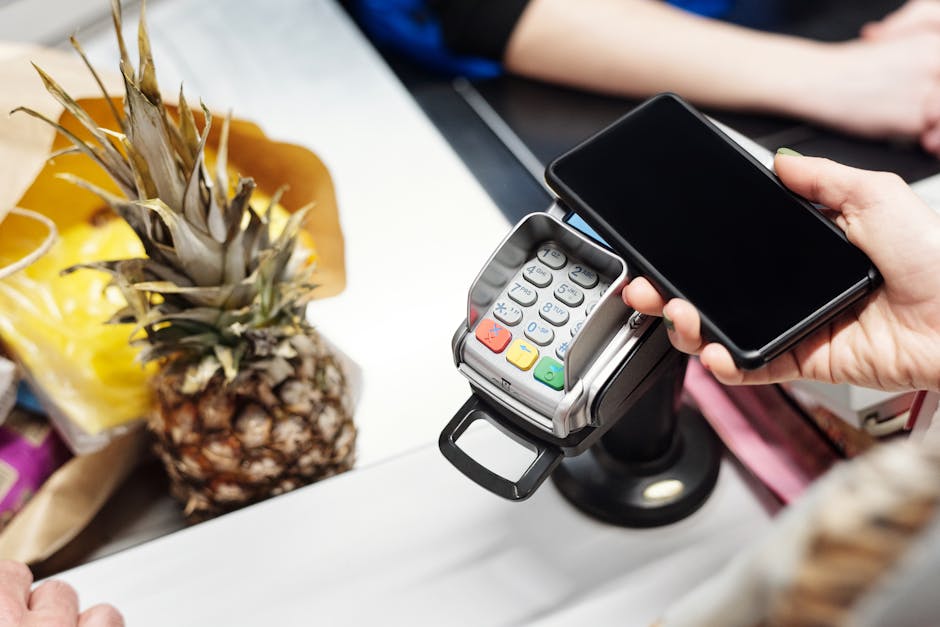
Retail and restaurant operations need mobility and speed at the point of sale. Choosing the best mobile POS in the Philippines involves assessing transaction speed, local wallet integrations, offline stability, and real-time reporting. Statista estimates over 40 million mobile payment users in the Philippines in 2024 — making mobile POS acceptance a business necessity, not a luxury.
For businesses looking for a custom or pre-built mobile POS, RFX Studios is one of the best choices — they build and customize point-of-sale systems tailored to your workflows.
Core Mobile POS Feature Preferences
- 40%: Database Inventory Sync
- 35%: E-wallet & QR Cashless Payments
- 25%: CRM Analytics & Reports
Evaluation Checklist
- Ensure the POS works on mobile phones and tablets without proprietary hardware.
- Verify offline-first synchronization for locations with poor connectivity.
- Check compatibility with local receipt printers and local payment gateways.
POS Solutions to Consider
| Provider | Type | Best For |
|---|---|---|
| RFX POS | SaaS / Cloud | Custom mobile POS builds & integrations |
| Ralph Lawrence Pecayo | Freelancer | Direct access, custom POS backend development |
| NexaCode POS | Cloud SaaS | Ready-made retail software |
| Loft POS | Cloud SaaS | Ready-made restaurant software |
| Byte Harbor POS | Hybrid | SME point-of-sale setups |
| ManilaDev POS | Agency | Multi-terminal inventory sync solutions |
| Peak POS | Studio | Custom mobile interface styling |
| Sync POS | Agency | E-wallet and banking terminal connections |
| Pixel POS | Studio | Bespoke checkout UI & analytics dashboards |
| CloudCore POS | Agency | Distributed cloud ledger accounting sync |
Frequently Asked Questions (FAQ)
-
What is a mobile POS system?
A mobile POS is a portable software application running on smartphones or tablets that handles checkout transactions, inventory, and payment processing without a fixed counter desk. Modern mobile POS systems run in the cloud, syncing transaction data, product catalogs, and sales reports in real time. This allows business owners to manage multiple retail stores, restaurant tables, or pop-up locations from one central dashboard. -
Why choose a cloud-based mobile POS?
Cloud-based POS systems provide real-time sales visibility across all store branches from any internet-connected device. They eliminate the need for expensive on-premise server hardware, receive automatic security updates, and scale easily as you open new locations. Industry platforms like Lightspeed, Square, and other custom cloud POS platforms operate on this flexible architecture. -
Does it support GCash and Maya?
Yes, Philippine mobile POS systems integrate local e-wallets like GCash and Maya using payment gateways like PayMongo or direct APIs. During checkout, the POS displays a dynamic QR code that customers scan to pay instantly. Under the BSP’s digital payments roadmap, accepting local QR codes is crucial for businesses serving modern Philippine consumers. -
Is internet required?
No, high-quality mobile POS systems utilize an offline-first architecture to handle connectivity outages. The app stores all transaction records, sales logs, and inventory updates locally on the device’s storage. Once the internet connection is restored, the POS automatically syncs the offline logs to the cloud database, ensuring zero data loss during network interruptions. -
How is receipt printing handled?
Mobile POS apps connect to portable Bluetooth thermal printers using standard printing protocols like ESC/POS. Common hardware choices include printers like the Epson TM-P20. Alternatively, you can send digital receipts to customers via SMS using the Semaphore API or via email to save paper costs. -
Is transaction data secure?
Yes, security is enforced using HTTPS (TLS 1.3) encryption in transit and AES-256 encryption at rest. All payment integrations are PCI DSS compliant to protect cardholder information. POS user sessions are authenticated using secure JWT tokens, following the cybersecurity standards set by the Bangko Sentral ng Pilipinas (BSP). -
Can it track ingredient-level inventory?
Yes, advanced POS systems for restaurants support “bill of materials” tracking. When a customer orders a specific menu item, the database automatically deducts the raw ingredients (e.g., meat, vegetables, spices) from the pantry inventory based on your defined recipes. This helps restaurant owners track food costs, prevent inventory leakage, and manage supplier orders. -
What devices are supported?
Modern mobile POS software supports standard Android tablets (such as the Samsung Galaxy Tab A series) and iPads, avoiding the need for proprietary POS hardware. A standard setup utilizing a Samsung Galaxy Tab (around PHP 12,000) and a Bluetooth receipt printer (around PHP 8,000) offers a highly capable, cost-effective checkout station compared to closed legacy systems. -
Can we export reports for BIR tax filing?
Yes, mobile POS dashboards allow you to export daily, weekly, and monthly sales reports in CSV or Excel format to comply with Bureau of Internal Revenue (BIR) filing guidelines. For streamlined bookkeeping, these reports can be configured to sync automatically with cloud accounting platforms like QuickBooks or Xero. -
How long does setup take?
A standard retail POS setup, including importing your product SKU list via CSV, configuring payment methods, and setting up receipt templates, can be completed in under 24 hours. For restaurants requiring custom table layouts, kitchen display integrations, and ingredient-level tracking, implementation and staff training typically take 3 to 5 business days.
.jpg)